Home / Point of Sale / Clover POS

Point of sale

Clover POS systems, set up and supported directly

TM Services Inc. is a contracted Clover reseller. We help you pick the right Clover devices, set them up for your business, and support them after you go live.

Clover through TM Services Inc.

Clover is a point-of-sale system that combines card payments with tools like menus, inventory, employee management and reporting. As a contracted Clover reseller in Rochester, Michigan, TM Services Inc. sells Clover devices, sets them up, and supports merchants directly instead of sending them to a national help line.

Devices

Which Clover fits your counter?

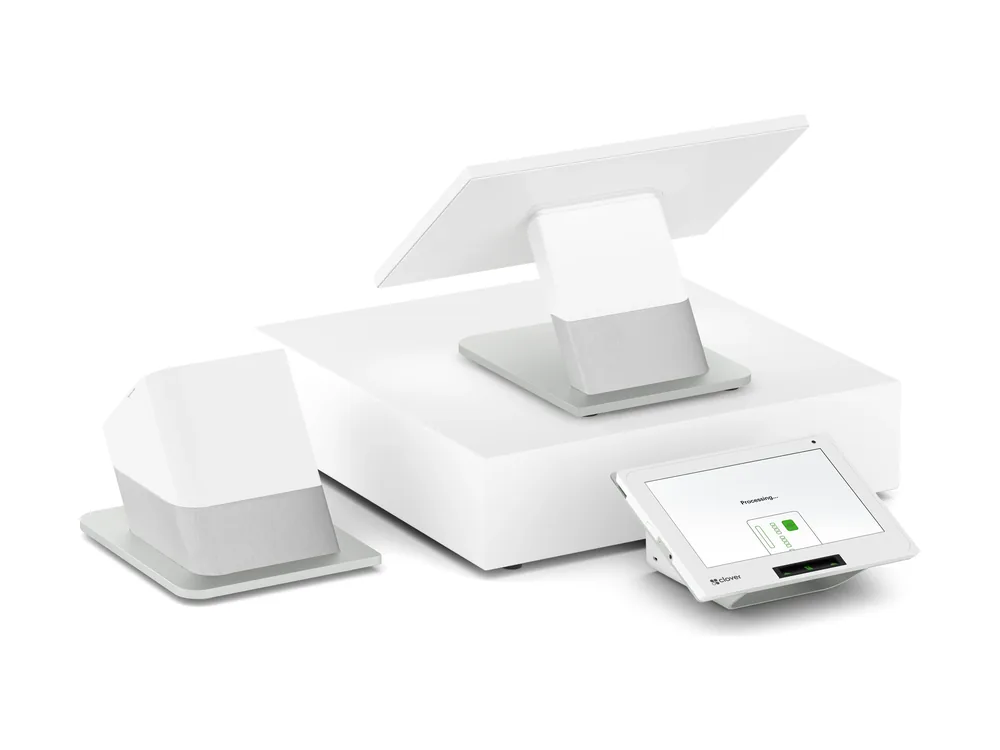
Clover Station Duo

Countertop POS with a customer screen

Clover Station Duo

A full countertop station with a second, customer-facing screen for tips, signatures and tap-to-pay. A good fit for busy restaurants and retail counters.

  • 14" HD merchant screen plus an 8" customer-facing touch screen
  • Built-in high-speed thermal receipt printer; cash drawer included
  • Chip, swipe and contactless (Apple Pay, Google Pay, Samsung Pay)
  • Wi-Fi, Ethernet and 4G/LTE
  • Expandable with extra printers and scanners
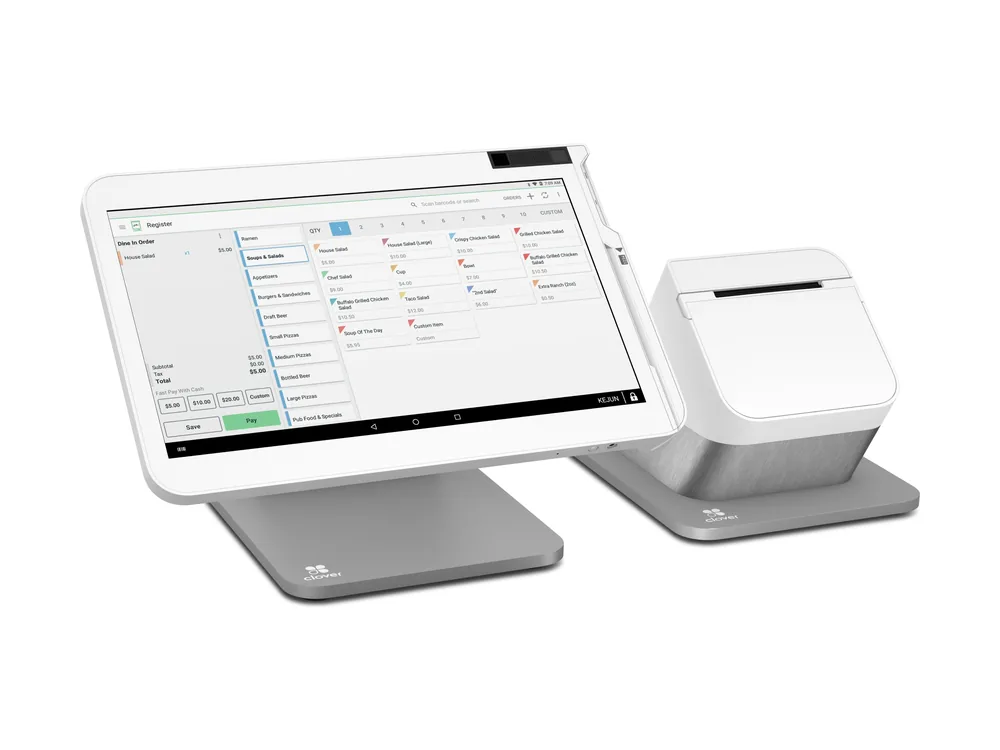
Clover Station Solo

All-in-one countertop POS

Clover Station Solo

The countertop station with a single large screen, for businesses that don't need a customer display.

  • 14" HD tilting touch screen
  • High-speed thermal receipt printer and cash drawer included
  • Chip and swipe payments
  • Wi-Fi, Ethernet and 4G/LTE
Clover Mini

Compact countertop POS

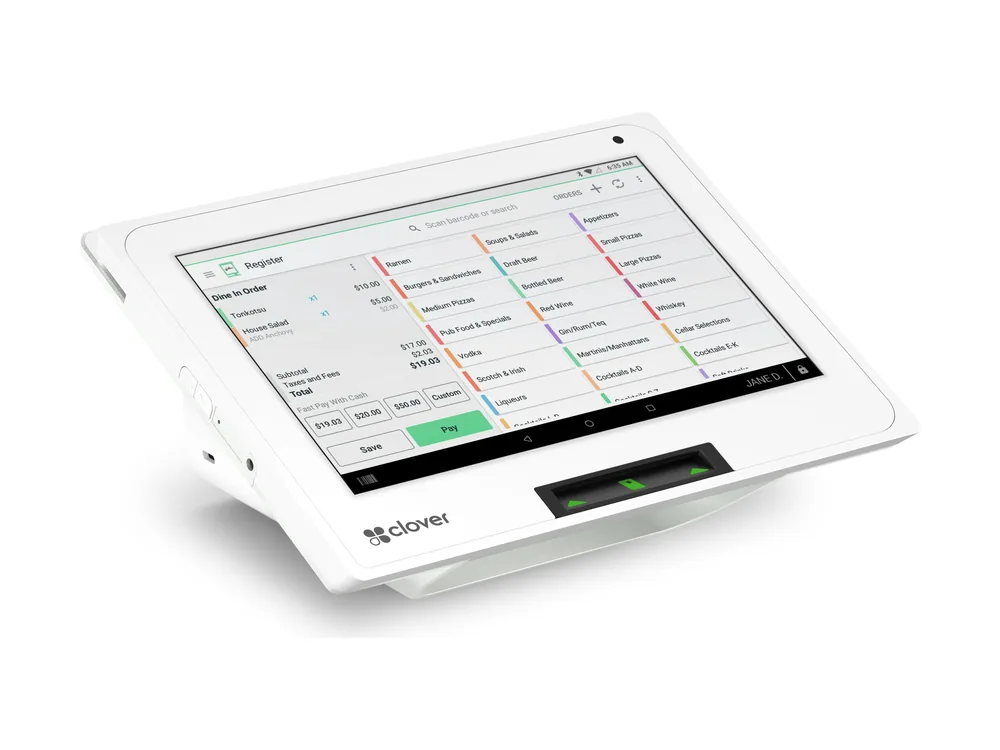
Clover Mini

A compact countertop device that takes every payment type and prints receipts, for smaller counters.

  • 8" color touch screen
  • Built-in thermal receipt printer, plus email and text receipts
  • Chip, swipe and contactless
  • Wi-Fi, Ethernet and LTE
  • Fits cafes, barbershops and tight counters
Clover Compact

Essential payment terminal

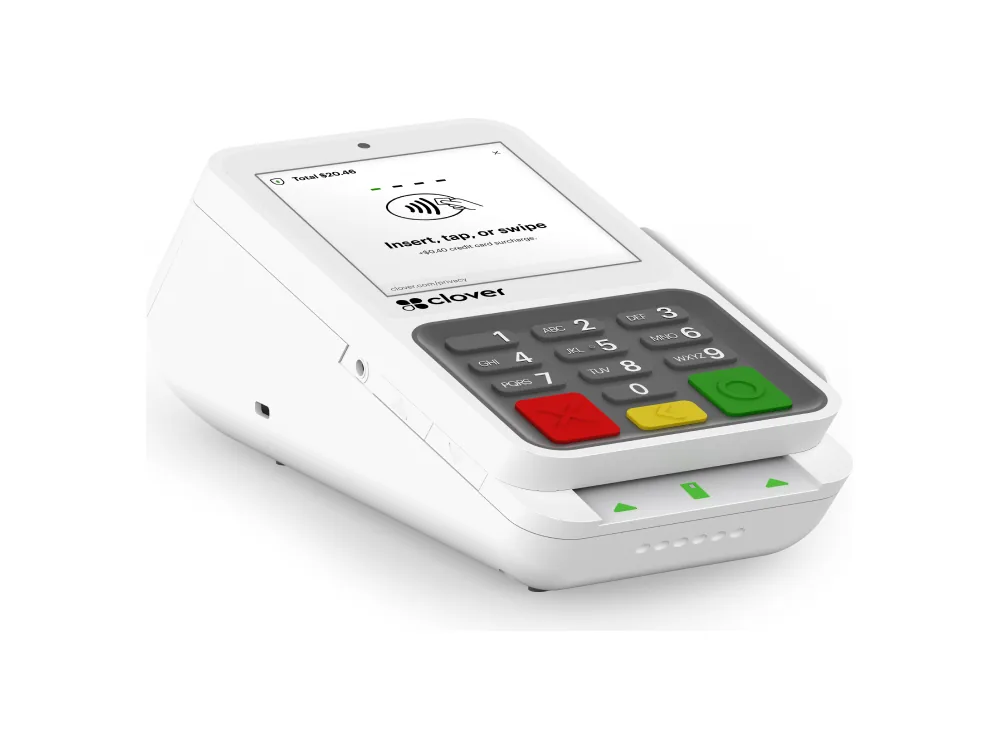
Clover Compact

A simple, essential countertop payment terminal with a PIN keypad, for counters that mainly need to take payments.

  • 3.6" payment touch screen with PIN keypad
  • Built-in thermal receipt printer
  • Contactless, chip, swipe and debit PIN
  • Wi-Fi, Ethernet and LTE
Clover Flex

Handheld POS

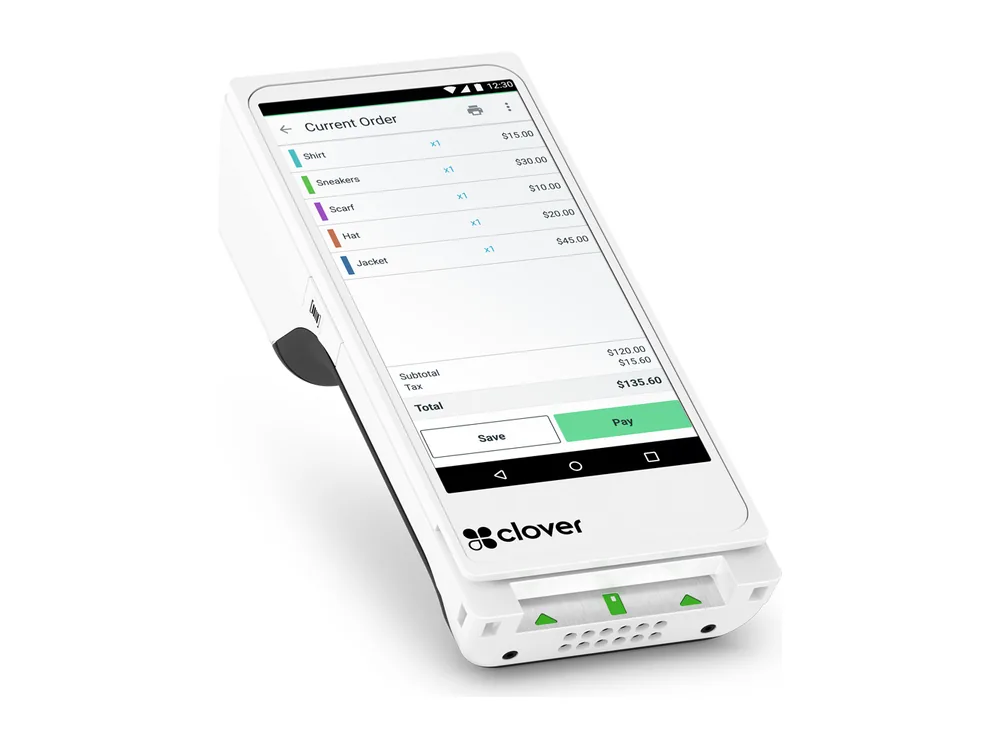
Clover Flex

A handheld device with a built-in printer that runs on Wi-Fi or cellular. Take payments at the table, in line or on the go.

  • Nearly 6" color touch screen
  • Built-in thermal printer, plus email and text receipts
  • Camera and barcode scanner
  • Chip, swipe and contactless (Apple Pay, Google Pay, Samsung Pay)
  • Wi-Fi and LTE, with a battery built for a full shift
Clover Go

Mobile card reader

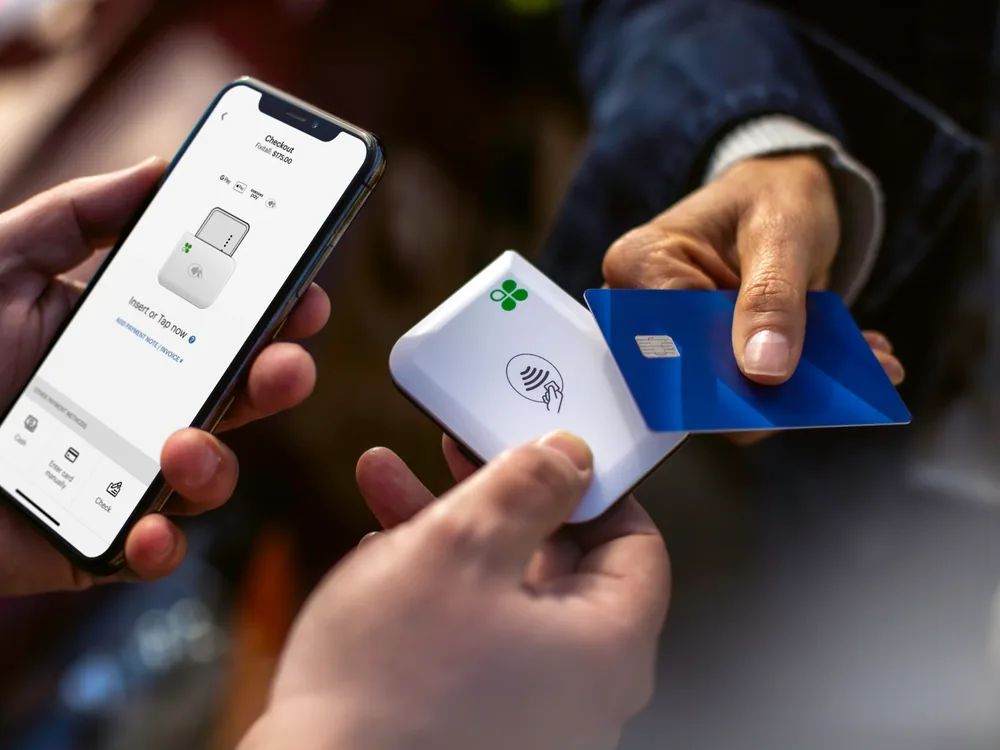
Clover Go

A small card reader that works with the Clover Go app on your smartphone or tablet. Good for mobile businesses, field service and events.

  • Pairs with the Clover Go app on iOS and Android
  • Chip and tap, plus Tap to Pay on iPhone in the app
  • Works anywhere you have Wi-Fi or cellular service
  • Pocket-size reader, about 2.3 oz
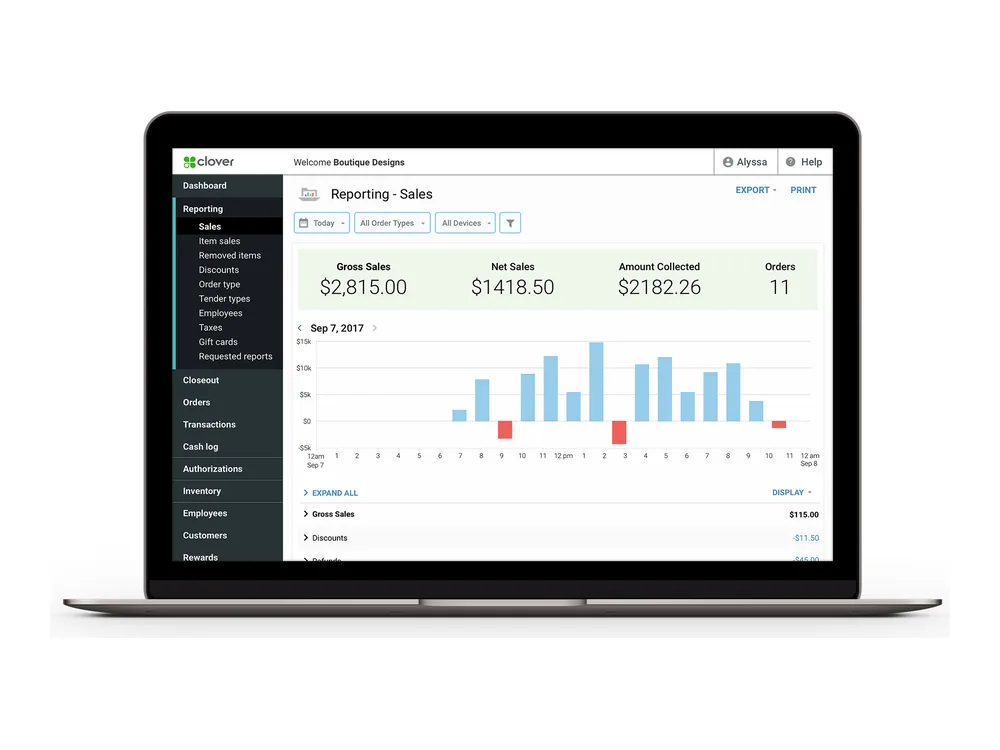
Clover Dashboard

Reporting from anywhere

Clover Dashboard

The web dashboard where you see sales, run reports and manage employees and devices from any computer.

  • Real-time sales, hourly revenue and top-selling items
  • Refunds, discounts and open orders at a glance
  • Combined sales across locations, online and in-store
  • Export or sync to QuickBooks and Xero
1 / 7

What our setup includes

  • Help choosing devices based on how you sell
  • Processing set up through CardConnect
  • Configuration of your items, taxes, tips and employees
  • Guidance on Clover best practices, like keeping employee passcodes private
  • Direct support from our team after you go live

Running an older Clover device?

Clover has ended support for several older devices. They no longer receive software or security updates. If you're unsure whether yours is affected, our merchant support page shows how to check, and we can help you upgrade.

Questions

Clover questions

Is TM Services Inc. an authorized Clover dealer?

Yes. TM Services Inc. is a contracted reseller of the Clover solution and an independent sales agent for CardConnect.

Who do I call if my Clover freezes?

Unplug the device for 30 seconds and restart it. For a Clover Flex, hold the power button about 20 seconds until the Clover logo lights up. If the problem continues, contact Clover Customer Service at (855) 853-8340 or call Jami at 586.419.3523.

Does Clover need ink for receipts?

No. Clover Station, Mini and Flex printers use thermal paper, so there's no ink to replace. Open the paper door on the device and follow the directions printed inside.

Free, no obligation

Find out what you're really paying to take cards.